How to Set Up an Auto Message on Instagram for New Followers?
Consider sending a thank-you to each user as soon as they follow you, but this is impossible without knowing how to set up an auto-message on Instagram for new followers.
Manually messaging followers is effective initially, but as your audience grows, it becomes time-consuming, hindering content creation and slowing growth. It also increases the risk of human error, from forgetting to respond promptly to sending inconsistent messages.
Want to master automated DMs? Discover the safe and effective methods for setting up auto messages on Instagram for new followers using approved tools.
Step-by-Step Guide to Set Up Automated Direct Messages (DMs) on Instagram
Instagram automated messages are pre-set replies triggered by actions like follows, DMs, or mentions, helping brands engage efficiently without manual effort.
- Welcome Messages: Greet new followers warmly to make a strong first impression.
- Gratitude Notes: Thank users for their engagement or purchases to build loyalty.
- Message Acknowledgements: Let users know their messages were received and when to expect a reply.
- Customer Support Replies: Quickly address FAQs or guide users to support channels.
- Promotional Messages: Share discounts or offers to reward new followers and encourage action.
There are tools and approved methods that allow you to set up Instagram DM automation securely. Let’s review them:
• (Approach 1) Using Instagram's Built-in Features
Although Instagram does not have a native feature to set up auto messages for new followers, various tools can help streamline this process.
1. Instagram Quick Replies
Instagram provides Quick Replies, a handy feature for Business and Creator accounts that lets you respond faster to followers. While not fully automated, Quick Replies allow you to send personalized messages instantly to new followers or answer questions. To set them up:
- Go to Settings → Profile.
- Tap Business.
- Select Saved Replies.
- Create a shortcut for your message (keep it under 15 characters).
- Turn on Response Suggestions to have Instagram recommend these replies automatically for common inquiries.
2. Facebook or Meta Business Suite
Since Instagram is part of Meta, businesses can leverage Meta Business Suite to create automated messages for new followers, including FAQs and common inquiries. This tool allows companies to manage Instagram messages efficiently and set up auto messages on Instagram for new followers through follower interactions.
- Link Your Instagram Account to Meta Business Suite
- Log in to Meta Business Suite.
- Navigate to Settings > Instagram Accounts, click Connect, and log in with your Instagram credentials.
- Go to DMs on Instagram → Settings → Tools.
- Turn on message access by selecting Message Controls.
- Enable Instant Replies
- Open the Meta Business Suite Inbox Automation at Meta Business Suite.
- Activate Instant Reply and personalize it (for example: “Thanks for following! Feel free to ask us any questions.”).
- Save your settings to ensure your messages are sent automatically.
- Set Up Away Messages
- Go to Automation → Away Message.
- Choose both Instagram and Messenger to configure responses for when you’re unavailable.
- Edit the message and save it so that anyone who messages you during off-hours receives an automatic reply.
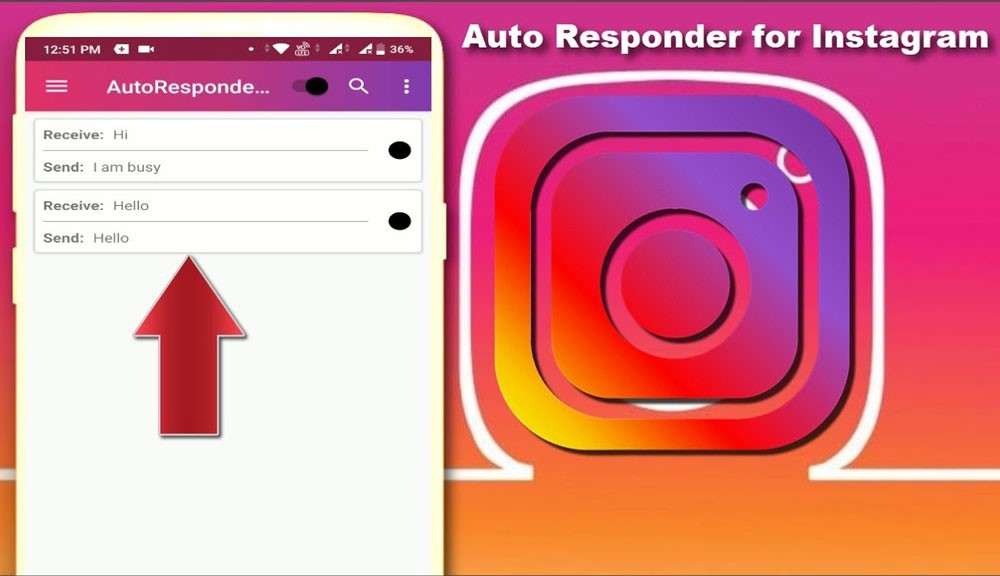
• (Approach 2) Using Third-Party Automation Tools
You’ll need third-party tools that adhere to Instagram’s guidelines to automate direct messages, particularly for new followers. Check out the most popular ways to set up auto messages on Instagram for new followers here:
1. ManyChat (Approved by Instagram)
ManyChat makes it easy to automatically welcome new Instagram followers and keep your audience engaged without lifting a finger.
Start by signing up and connecting your Instagram account. Create your ManyChat profile, then go to Settings > Instagram and grant the necessary permissions.
Next, dive into Automation in the sidebar and create a New Rule. Pick New Follower as your trigger (you can even include story replies or post comments for extra interaction), then craft a friendly greeting like, “Hi [First Name]! Thanks for following, let us know what excites you most about our page!”
Finally, switch the Automation on. From that moment forward, every new follower receives your personalized message instantly, helping you spark conversations, grow engagement, and build a stronger Instagram community effortlessly.
2. MobileMonkey
To set up auto messages on Instagram for new followers, MobileMonkey is a versatile tool for automating Instagram DMs and building interactive chatbots that genuinely connect with your audience. With this method, you can craft personalized conversations that greet new followers, respond to story interactions, or even engage users who comment on your posts.
Start by creating an account at mobilemonkey.com, logging in, and linking your Instagram profile via Settings > Instagram, giving the platform the necessary permissions.
Once set up, the chatbot builder lets you design a flow that delivers an automated welcome message, tailored to each new follower. You can also set triggers for actions like story replies or post comments, ensuring your audience feels seen and engaged.
After customizing your messages, activate the flow, and MobileMonkey will take care of the rest, sending personalized DMs automatically, boosting engagement, and helping your Instagram presence feel both active and personal.
With this system, every new follower gets a warm, instant welcome, making your Instagram not just a profile, but a dynamic, interactive experience.
3. Chatfuel
Looking to turn casual Instagram followers into devoted fans? Chatfuel is your secret weapon to set up auto messages on Instagram for new followers. It lets you craft automated, personalized messages that reach every new follower, spark conversations, and keep your audience engaged with your brand.
Getting started couldn’t be easier. First, sign up for Chatfuel, log in, and link your Instagram account through the “Channels” section. This becomes your bot’s playground.
Next, create a friendly, welcoming message for newcomers, like a virtual smile that instantly introduces them to your brand’s personality.
Then comes the magic: set smart triggers so that whenever someone follows you, your bot responds immediately. You can even tailor triggers for other interactions, like story replies or post comments.
Finally, customize your responses to reflect your brand’s tone—fun, professional, quirky, or friendly, and flip the automation switch.
And just like that, your bot is up and running, sending personalized, on-brand messages automatically, making followers feel noticed, valued, and ready to engage. Whether it’s answering questions, sharing offers, or simply saying hello, Chatfuel helps your Instagram feel alive 24/7, creating connections that grow your community and boost engagement effortlessly.
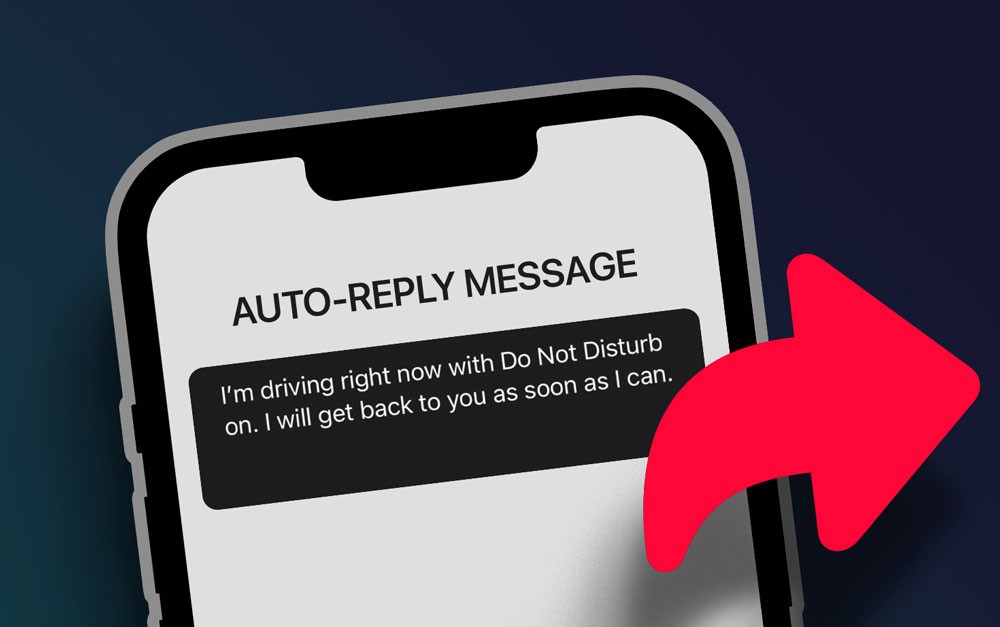
What Are the Risks of Unauthorized Automation?
Instagram’s terms of service prohibit the use of third-party mechanization tools and bots. Unauthorized software that sends bulk direct messages could result in the issues below for your account:
- Temporary Restrictions: Prohibits sending direct messages.
- Shadowbanning Risks: Lowers the visibility of your posts.
- Permanent Bans: This should be placed if excessive Automation is detected.
For this reason, using approved tools and following the rules are essential to set up auto messages on Instagram for new followers.
Last Thoughts
With this guide, you can use different Instagram direct message tools in a way that complies with the platform’s guidelines. You can also create an efficient self-operation system that raises engagement without risking account penalties.
Have you ever mastered setting up an auto message on Instagram for new followers? Let us know if you have tried any of the tools mentioned. Please share your feedback and experiences in the comment section about setting up auto messages on Instagram for new followers, which will help us enrich the data for readers!
How can I send an automatic message to new Instagram followers?
Use approved tools to automate messages triggered by new follows.
What tools send automated messages on Instagram?
Instagram’s built-in features and third-party tools can send automated Instagram DMs.
Can I automate Instagram DMs without getting banned?
Yes, as long as you use tools approved by Instagram and follow the platform guidelines.
How to set up an Instagram welcome message?
To set an Instagram welcome message, click Instagram Settings. Then, click “Customize” to create and customize your automated greeting for new followers.
What types of automated messages can I send?
You can send welcome messages, thank-you notes, customer support replies, acknowledgments, and promotional offers.
Recent Posts
![How to Start from 0 Followers on Instagram? [Grow Fast with Proven Tips]](https://4kgram.com/wp-content/uploads/2025/07/how-to-start-from-0-followers-on-Instagram.jpg)
![How to Use Threads on Instagram? [Complete Beginner’s Guide 2025]](https://4kgram.com/wp-content/uploads/2025/07/Use-threads-on-Instagram.jpg)

![How to Search for Viral Content on Instagram? [Strategies and Tools]](https://4kgram.com/wp-content/uploads/2025/06/viral-content.jpg)