How to Use Instagram Analytics?

How to Use Instagram Analytics

Instagram analytics metrics are like the secret diary of your Instagram account, full of hidden clues about what makes your audience stop, stare, and fall in love with your content. Ever wondered why one post goes viral while another disappears without a trace? It’s not magic, it’s measurable.

These metrics whisper the truth about your followers: what excites them, when they’re watching, and what makes them tap that heart. Once you learn to read the data, it feels like unlocking a cheat code to growth. Ready to uncover the hidden patterns behind your next viral moment? Let’s dive in.


Why Instagram Analytics Metrics Matter?

When we talk about Instagram analytics, we mean the key performance indicators (KPIs) that reveal how your content performs, engagement rate, reach, impressions, and Instagram follower growth. These numbers are more than stats; they’re your audience’s feedback, telling you what resonates and what doesn’t.

Tracking these metrics helps you move from guesswork to strategy. By understanding your data, you can pinpoint why one post outperformed another and adjust your posting times.

Mastering Instagram analytics metrics ensures that every creative choice you make, from visuals to hashtags, is backed by real insights instead of hunches.


How to Access Analytics Metrics on Instagram?

Accessing metrics of Instagram analytics is the first step to turning data into growth. Whether you’re a creator, a small business, or a brand, knowing where and how to find these insights is crucial.

In this section, we’ll explore the main ways to access Instagram analytics metrics:


1. Switch to a Business or Creator Account

To unlock analytics, you must switch your account type. Only Business and Creator profiles have access to Instagram Insights. This step also opens the door to professional features like ads, promotions, and data dashboards, crucial for effective social media analytics.


2. Use Instagram’s Built-In Insights

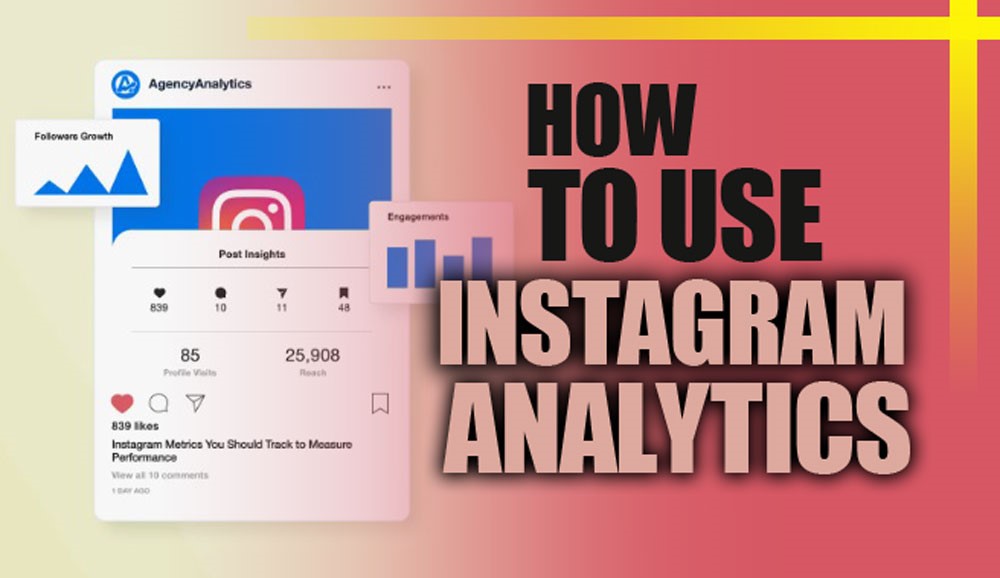
In your Instagram app, tap your profile > three lines > Insights. Here, you’ll find valuable data such as reach, impressions, engagement, and audience growth. You can also analyze your Instagram story performance, top-performing posts, and weekly trends.


3. Try Third-Party Analytics Tools

Built-in Insights are great, but tools like Later, Sprout Social, Hootsuite, and Buffer provide deeper breakdowns. These platforms give you advanced visual dashboards and automated reports, helping you measure your Instagram marketing performance more efficiently.


Tool

Key Features

Best For

Later

Reels tracking, post scheduling, link-in-bio analytics, hashtag performance

Small to medium businesses, creators focusing on content planning

Sprout Social

Detailed dashboards, competitor analysis, and reporting automation

Brands and agencies managing multiple accounts

Hootsuite

Multi-platform analytics, Instagram campaign analysis, and scheduling

Businesses needing cross-platform management

Buffer

Post performance tracking, engagement metrics, and basic reporting

Beginners and small teams who want a simple interface


(+4) Key Instagram Analytics Metrics You Should Track

Tracking the right metrics is essential to understanding your audience, improving content, and growing effectively.

In this section, we’ll break down the most important analytics you should monitor regularly to maximize engagement and reach.


1. Instagram Reach and Impressions Analysis

Reach is the number of unique users who saw your content. Impressions represent total views, including multiple views from the same user.

Understanding Instagram reach vs impressions helps you identify whether your content is reaching new audiences or being re-watched by existing followers. Ideally, a healthy balance between the two signals strong visibility and retention.


2. Instagram Engagement Rate Analysis

Your engagement rate shows how actively your audience interacts with your posts.

  • Formula: (Likes + Comments + Saves) / Reach * 100.

Monitoring this metric regularly helps you improve Instagram engagement with analytics and identify what type of content triggers reactions, humor, storytelling, tutorials, or reels.


3. Instagram Audience Demographics Insights

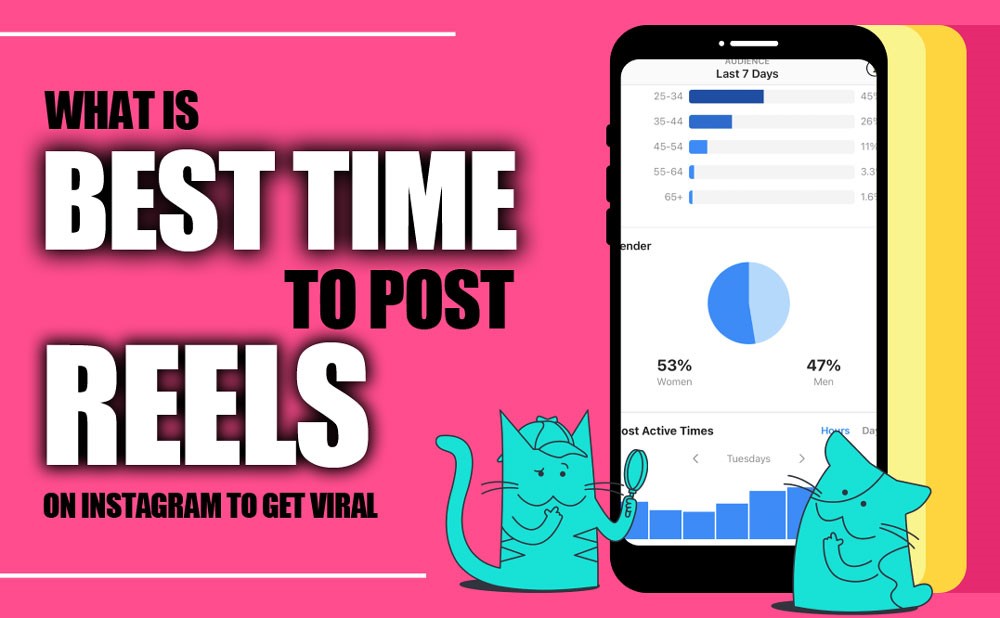
This section reveals your followers’ age, gender, location, and active hours. With Instagram follower insights, you can adapt your tone, visuals, and content to match your audience demographics. For instance, if your followers are mostly aged 18-24 and located in Europe, your Instagram content strategy should align with those cultural trends.


4. Instagram Post Performance Tracking

Track each post individually using metrics like likes, comments, saves, shares, and reach. By comparing performance types, photos, carousels, or videos, you’ll discover what your audience prefers. This is the foundation of Instagram post optimization, ensuring future content hits the mark every time.

Instagram Audience Demographics Insights

Analyze Different Instagram Content Types Using Analytics Metrics

Understanding how each content type performs allows you to optimize reach, engagement, and conversions using Instagram analytics metrics.


  • Instagram Stories Analytics: Track views, exits, replies, and sticker taps to measure short-term engagement.


  • Instagram Reels Analytics: Monitor views, watch time, and share to identify viral content and refine your Instagram Reels insights.


  • Instagram Link in Bio Analytics: Analyze click-throughs, sources, and conversions to connect social activity with real outcomes through Instagram traffic analytics.


  • Instagram Hashtag Performance Metrics: Measure which hashtags drive the most reach and engagement.


Conclusion

Mastering Instagram analytics metrics transforms guesswork into strategy. By tracking reach, engagement, Instagram audience behavior, and content performance, you can optimize posts, Stories, and Reels to grow your audience and boost conversions.

Use the right tools and insights to make data-driven decisions that truly elevate your Instagram presence.

Come Chat with Us! What’s the one metric you think could track Instagram growth? Share your thoughts! Have you ever discovered a surprising insight from your analytics?

Tell us about it! Apply these tips today and watch your engagement and reach soar! Start analyzing smarter, not harder, and turn your data into results!


How often should I check my Instagram analytics?

It’s best to review your data weekly to catch short-term shifts and monthly to understand overall performance trends and audience behavior.


What’s the most important metric for small businesses on Instagram?

Engagement rate matters most; it reflects how strongly your followers connect with your posts and how likely they are to become customers.


Can I track my Instagram performance without using paid tools?

Yes! Instagram’s free Insights feature gives you access to key data like reach, impressions, and engagement so you can make smart decisions without spending a dime.


Why does my reach or engagement suddenly decrease?

Drops often come from posting inconsistently, using weak hashtags, or algorithm updates. Reviewing your latest posts can help pinpoint what changed.


How can data help me plan more effective content?

By seeing which posts earn the most interaction, you can focus on topics, visuals, and formats that truly resonate with your followers and drive better results.
0 0 votes
Article Rating
Subscribe
Notify of
guest
0 Comments
Oldest
Newest Most Voted
Inline Feedbacks
View all comments
0
Would love your thoughts, please comment.x
()
x